AI Agents Frontend Integration: Building Smart, Interactive, and Reliable AI-Powered Web Applications

Every time you type a message intoChatGPT, something complex happens in milliseconds. Tokens stream back one byone. The interface updates in real-time. The conversation feels alive.
Most developers know how to builda CRUD app. AI-powered web applications are different. They stream datacontinuously. They manage multi-turn conversation context. They fail in waysthat standard error handling can’t anticipate.
The gap between “I’ve called theOpenAI API” and “I’ve shipped a production-grade AI chat interface” is real —and significant. This blog closes that gap.
We break down exactly how modernAI agent interfaces work — from the API call to the rendered response — andwhat frontend developers at every level need to know to build one themselves.
Building an AI-powered interfacestarts with understanding the request flow:
User Input → APIRoute → AI Provider → Streamed Response → UIUpdate
Your frontend never calls OpenAIor Anthropic directly. Instead, it sends requests to your own backend API route— built with Next.js App Router, Express, or FastAPI. This route holds yoursecret API key, validates input, applies rate limiting, and forwards therequest to the AI provider.
• ChatInput — Captures usermessages, handles submission, manages disabled state during streaming
• MessageList — Renders fullconversation history, auto-scrolls to the latest message
• StreamingRenderer —Displays incoming tokens in real-time as the AI responds
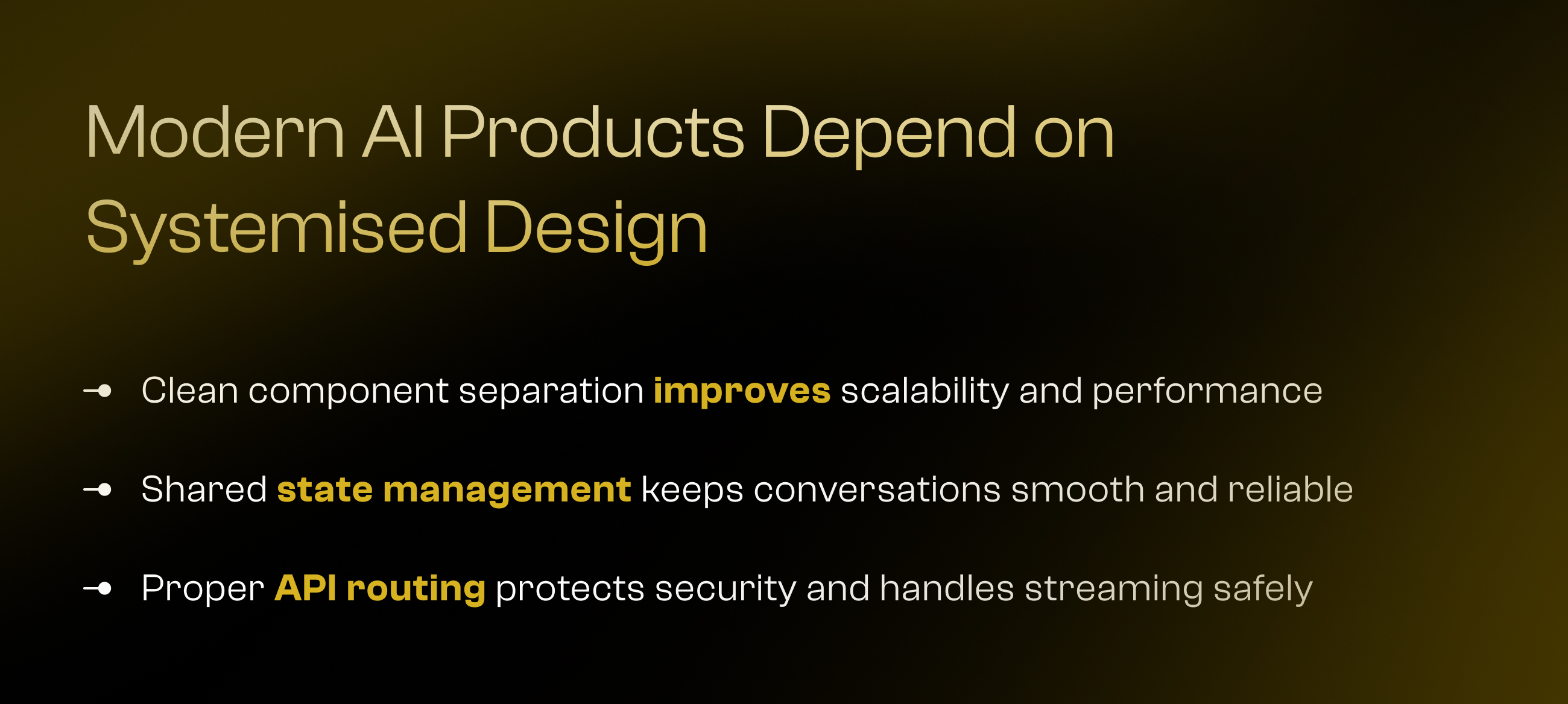
Each component communicatesthrough a shared state store. When the user sends a message, the inputdisables, a new user message appends to the list, and the streaming rendererbegins populating the AI response — token by token.
This separation keeps the UIresponsive and prevents render bottlenecks, even at 60+ tokens per second. Thearchitecture is clean. The separation of concerns is clear. And it scales.
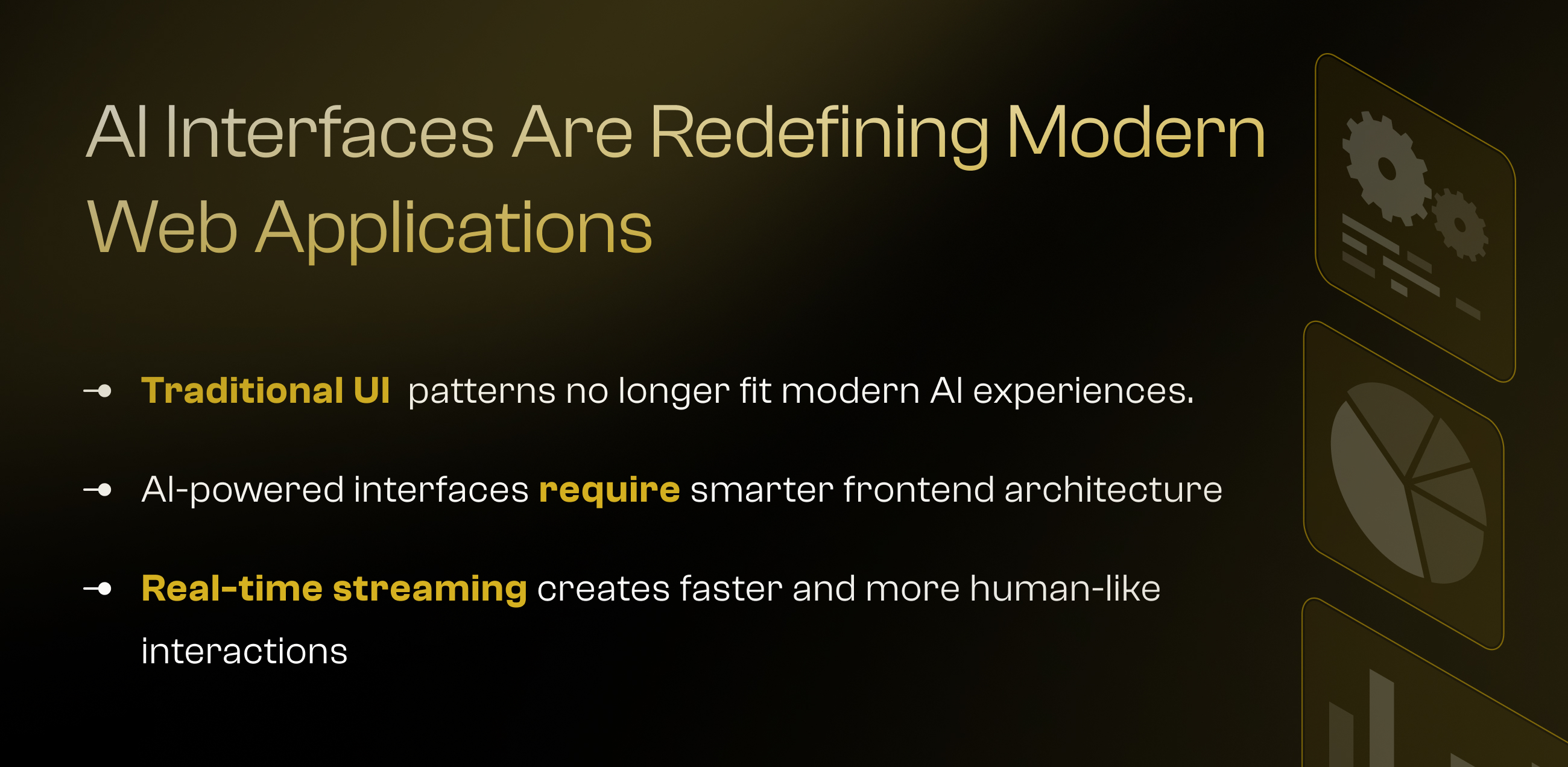
Here is how you build an AI chatinterface — step by step.
Phase 1 — Set Up the API Route
Create a server-side proxy routebetween your frontend and the AI provider. In Next.js App Router, this is aroute.ts file under /api/chat/. It receives the conversation history as a POSTbody, calls the OpenAI or Claude API with streaming enabled, and pipes theresponse stream back to the client. Your API key never touches the browser.
Phase 2 — Implement Streamingon the Frontend
Use the Fetch API withresponse.body.getReader() to read incoming chunks. Each chunk contains a tokendelta — a small piece of the AI’s response. Decode each chunk, accumulate thedeltas into a string, and update your message state with each new piece. Theresult: a typing effect that feels real.
Phase 3 — Manage ConversationState
Use Zustand or React’s useReducerto hold the full message array. Each message has a role (user or assistant) anda content string. Append new messages, update streaming messages in place, andreset state cleanly when a new conversation starts.
Phase 4 — Add Retry Logic
AI APIs can fail — rate limits,timeouts, network errors. Build a retry wrapper with exponential backoff: 3attempts, with delays of 1s, 2s, and 4s. Show a clear error message if allretries fail. Never leave users staring at a frozen spinner with no feedback.
The visual design of an AI chatinterface is just as important as the code behind it.
• Typing Indicator — Show ananimated three-dot loader while waiting for the first token. Without it, a2-second API call feels like a hang.
• Markdown Rendering — AIresponses contain bold text, code blocks, bullet points, and headings. Usereact-markdown with the remark-gfm plugin to render everything correctly. Aplain-text response loses half its value.
• Auto-Resize Textarea — Themessage input should grow as the user types. A fixed-height input feels datedand limits longer prompts.
• Smooth Scroll — Auto-scrollto the latest message as tokens arrive. Use scrollIntoView({ behavior: ‘smooth’}) on the last message element.
• Mobile-First Layout —Design for a single-column layout first, then expand for desktop. Keep taptargets large and handle the keyboard-up state properly.
Every interaction detailmatters. In AI chat, the interface is the product.
These are the libraries andframeworks that actually work in production AI interfaces.
• Vercel AI SDK — The mostdeveloper-friendly toolkit for AI chat in Next.js. Handles streaming, hooks,and message state out of the box. Reduces boilerplate by up to 70%.
• OpenAI JS SDK — OfficialSDK for GPT-4o and GPT-4-turbo. Full streaming and tool-use support.
• Anthropic SDK — OfficialSDK for Claude 3.5 Sonnet and Claude 4 models. Supports streaming, tool use,and extended thinking.
• LangChain.js — Powerful formulti-step agents, memory management, and tool-calling pipelines. Best forcomplex agentic workflows.
• Next.js 14+ App Router —Server components and API routes in one framework. Ideal for AI apps.
• Zustand — Lightweight statemanagement for conversation history. Minimal boilerplate.
• TanStack Query (ReactQuery) — Manages server state, caching, and retry logic for non-streamingcalls.
• react-markdown + remark-gfm— Render AI responses with full Markdown support.
• Vercel AI SDK streaming:time-to-first-token under 400ms on Claude Sonnet
• GPT-4o: average 60–80tokens/second at standard tier
• Zustand state updates:under 1ms render delay on 100-message conversations
The right stack cuts weeks offyour build time.

AI agents are not a futurefeature. They are a present-day frontend skill.
The developers who understand howto wire streaming, state, retries, and rendering into a seamless experience arethe ones building the next generation of web applications. These are skills youcan learn — and apply — right now.
The architecture is approachable.The libraries are mature. The demand is real.
If you are building an AI-poweredproduct and need a team that has already solved these integration challenges —we have built these systems. We know what works in production and what breaksat scale.